
Calendar use
Published: Mar 14, 2019 | Category: Uncategorized
Hello Folks
Seem like everyone's is becoming more complicated, judging from the amount of time I spend on scheduling and re-scheduling.
Here are tips on how to use the calendar to cancel you own lesson. I am generally happy to pay for the website service ( Accounting will be improved very soon !) so please do use it. I appreciate the canceling TXT or emails, but please do follow through with your active canceling of the lesson in 3 easy steps:
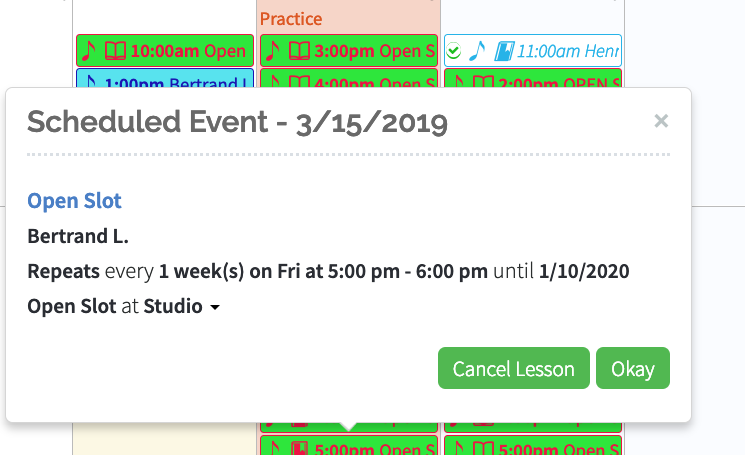
1) Click on the lesson:
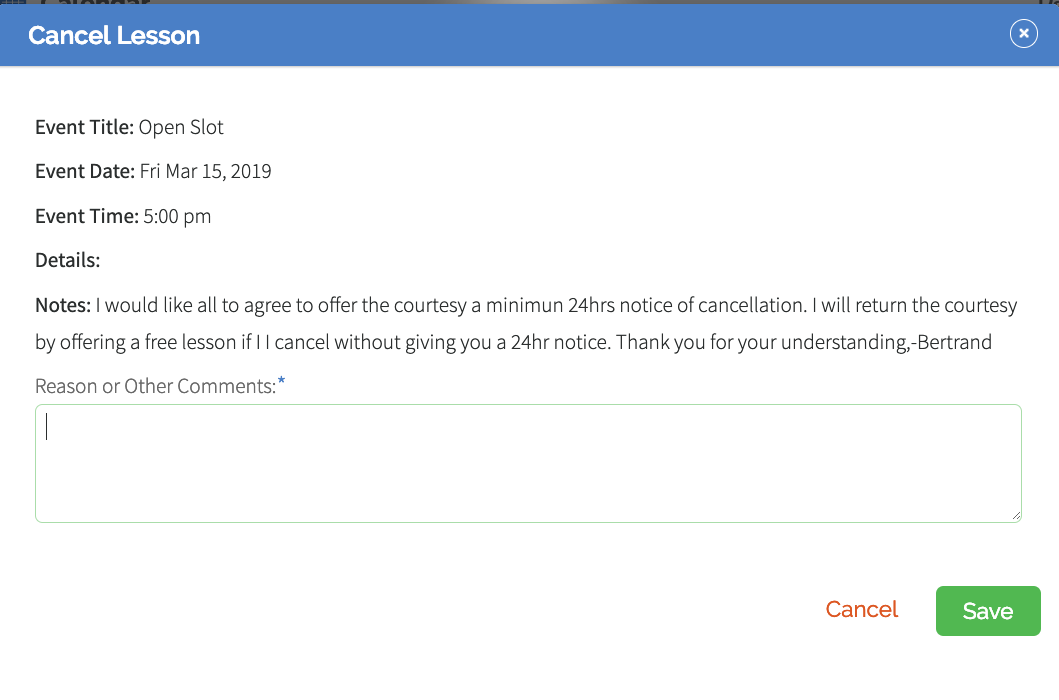
2) select cancel lesson ( Green Button) and you get this note writing window. Write a note -or not- and Clock on SAVE
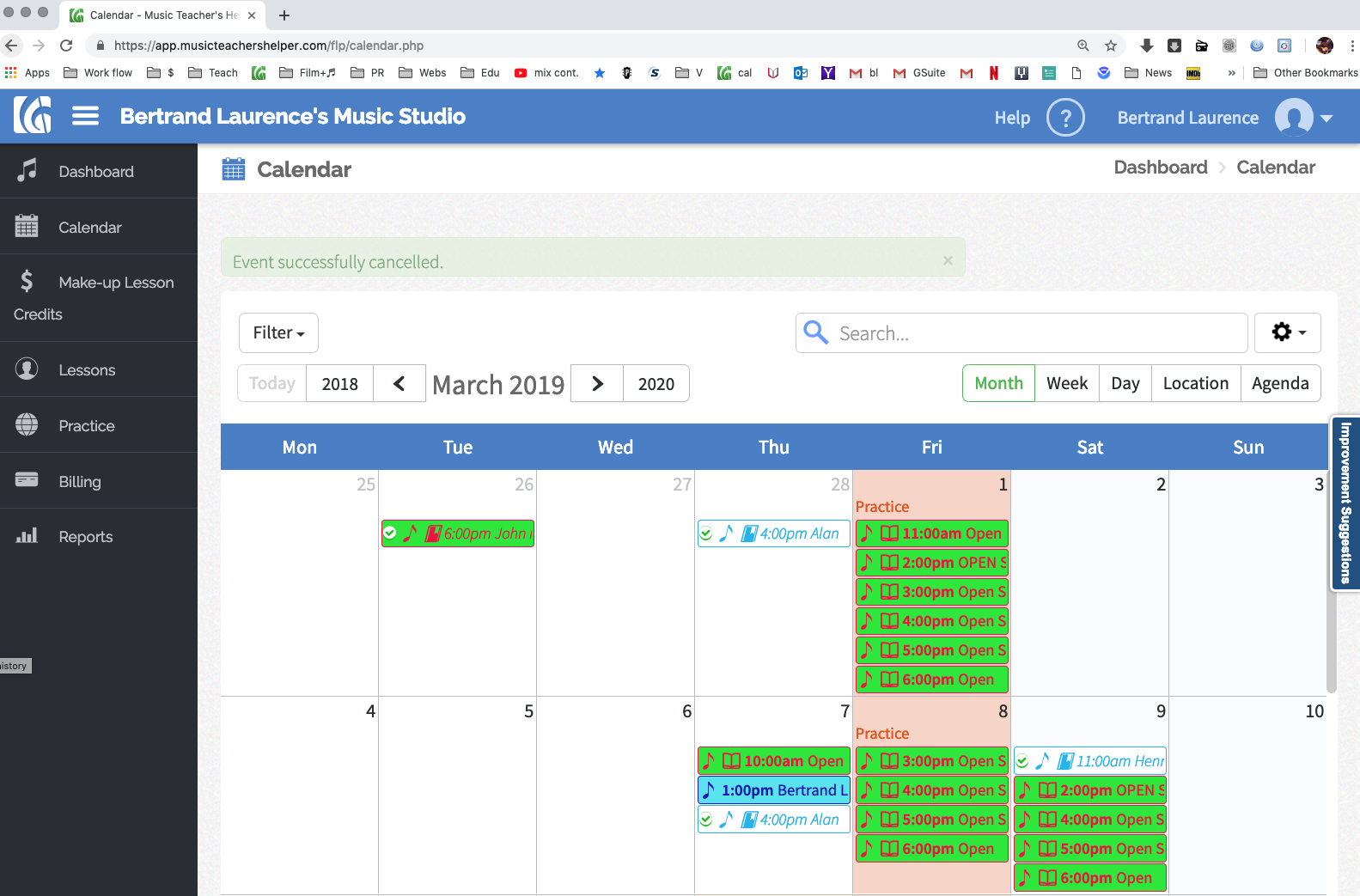
3) You should get a window like this with the message " Event successfully canceled" in the light green bar. Thank you again for your help, Bertrand